Desktop / macOS + Windows
The AI coding terminal for your desktop.
Run your AI coding tools side by side, build iOS apps from your phone, and keep every session alive through restarts. No account required.
Mac universal (Apple Silicon + Intel) · Windows 10/11 64-bit · free
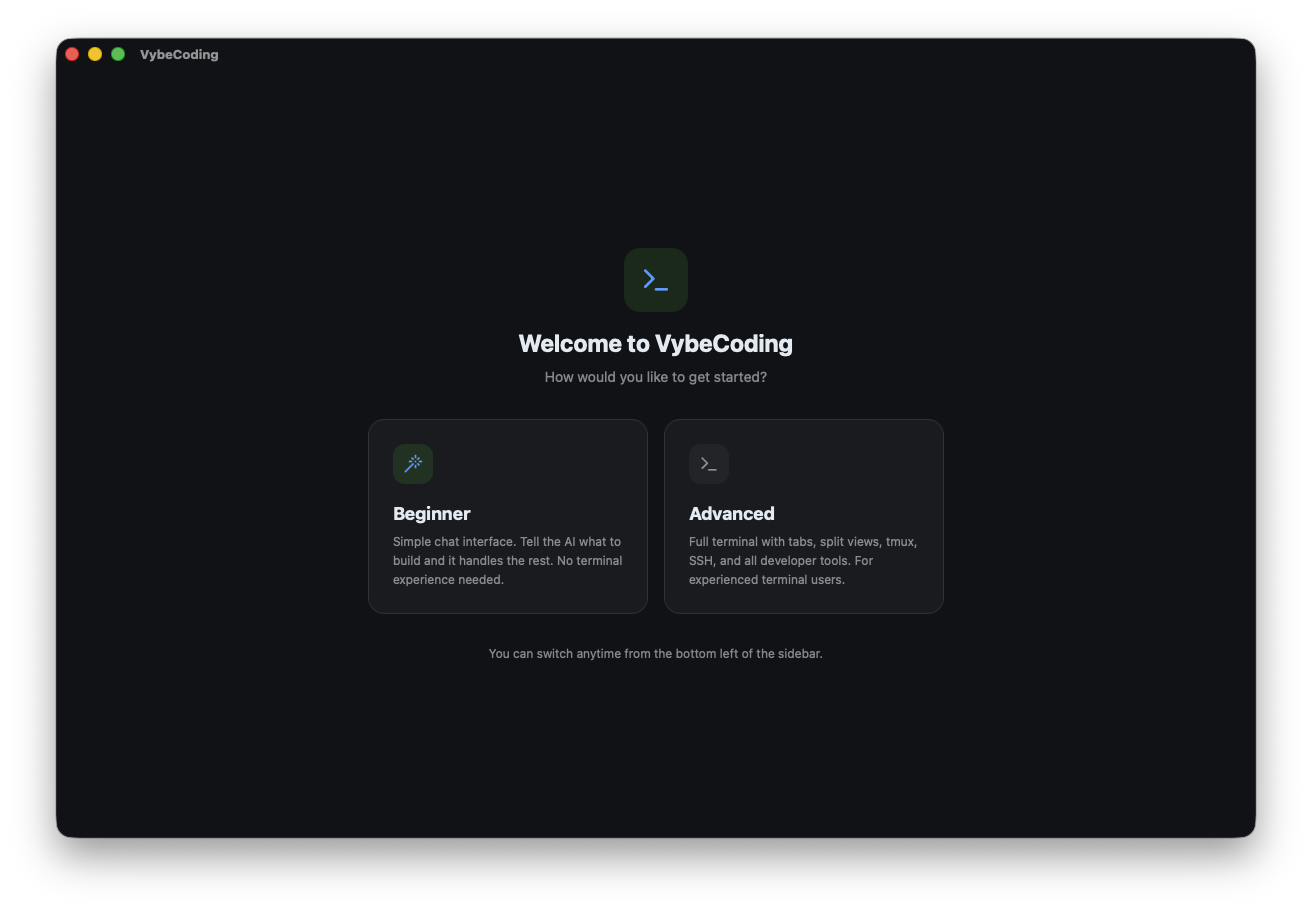
What it does
Everything you need, nothing you don't.
A terminal built for how people actually code now: several AI tools, more than one device, and no patience for setup.
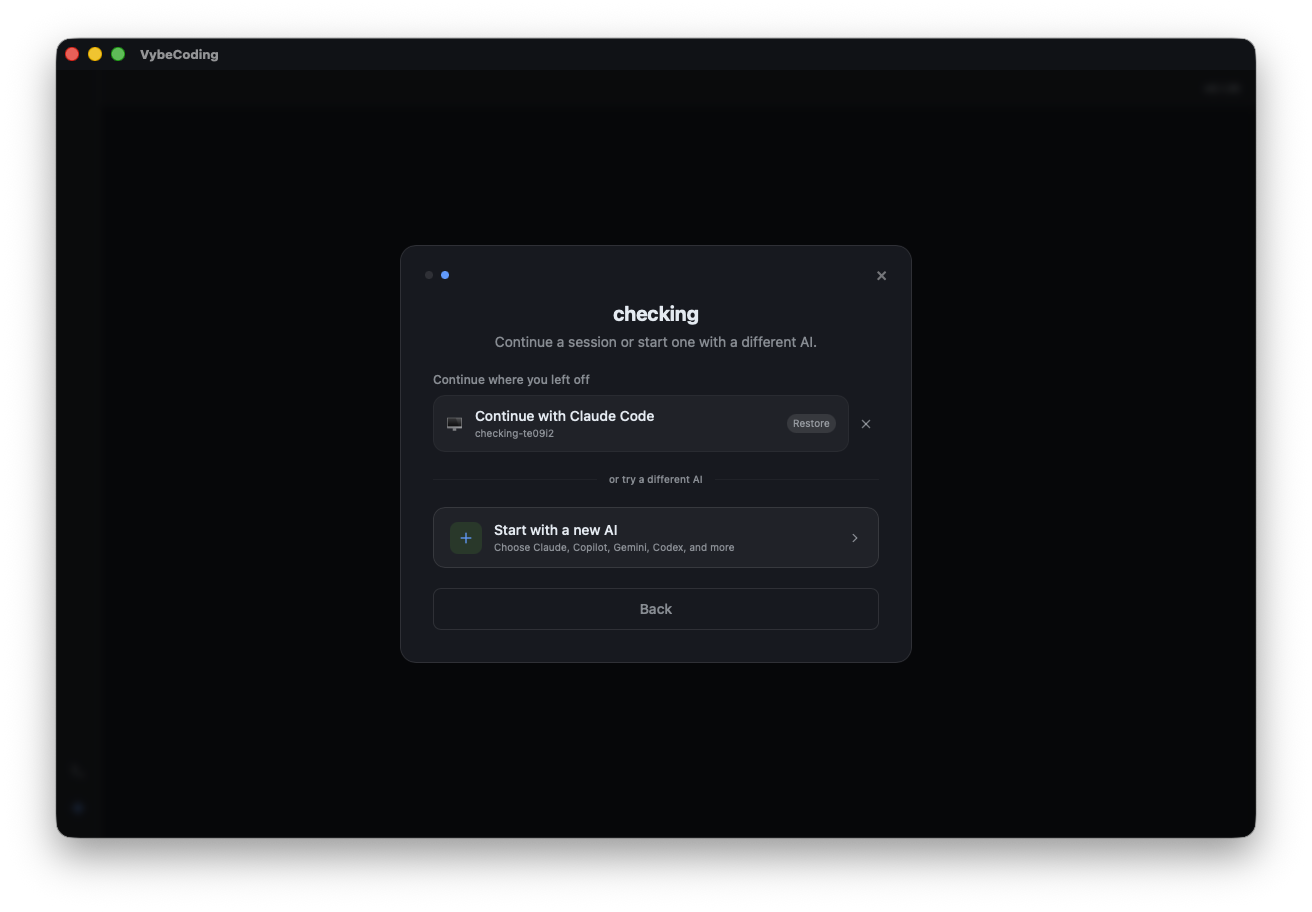
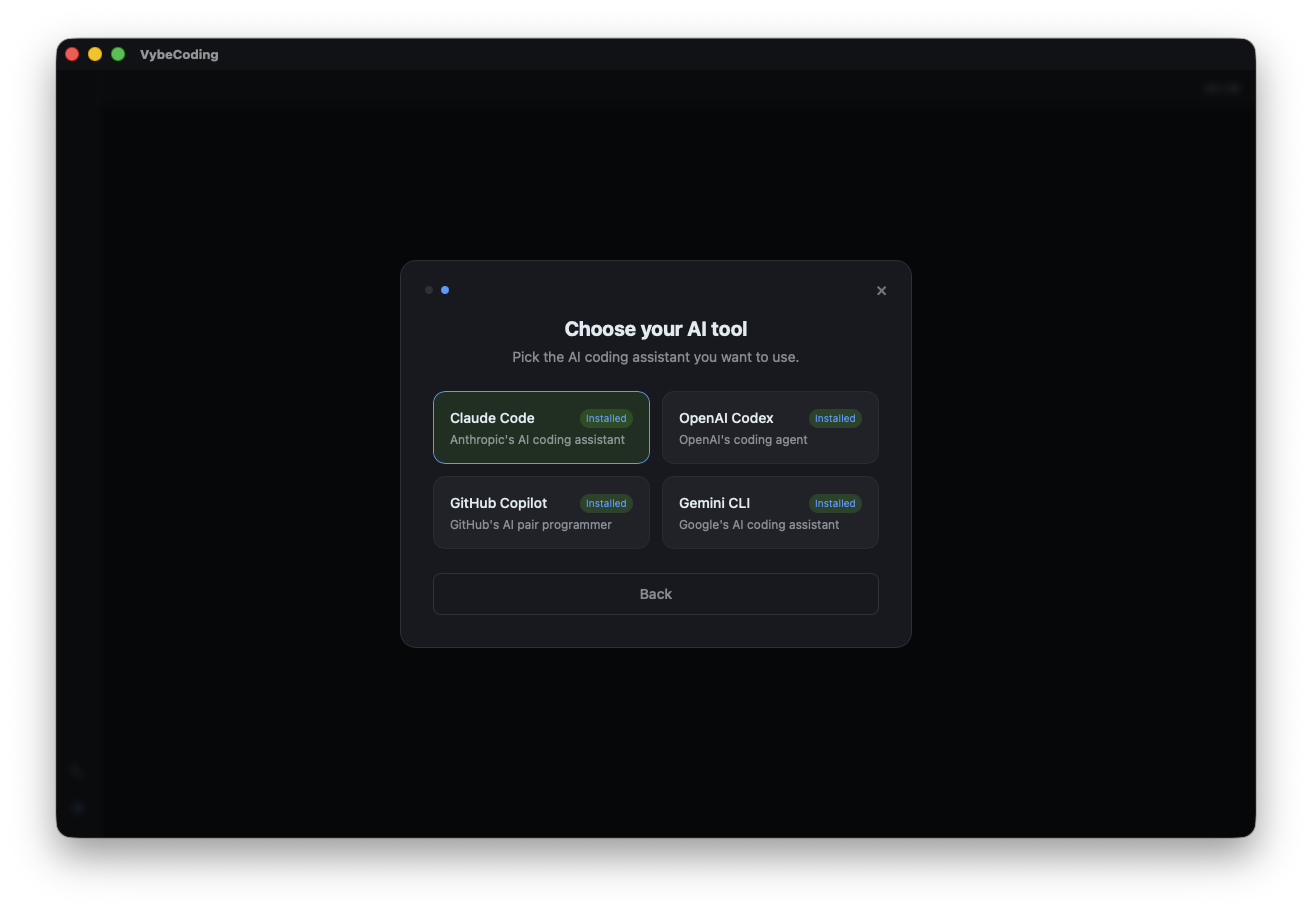
AI coding tools, one click
Claude Code, Codex, Copilot and Gemini CLI launch from one button. Status shows what's installed; setup guides cover what isn't. No config files to edit.
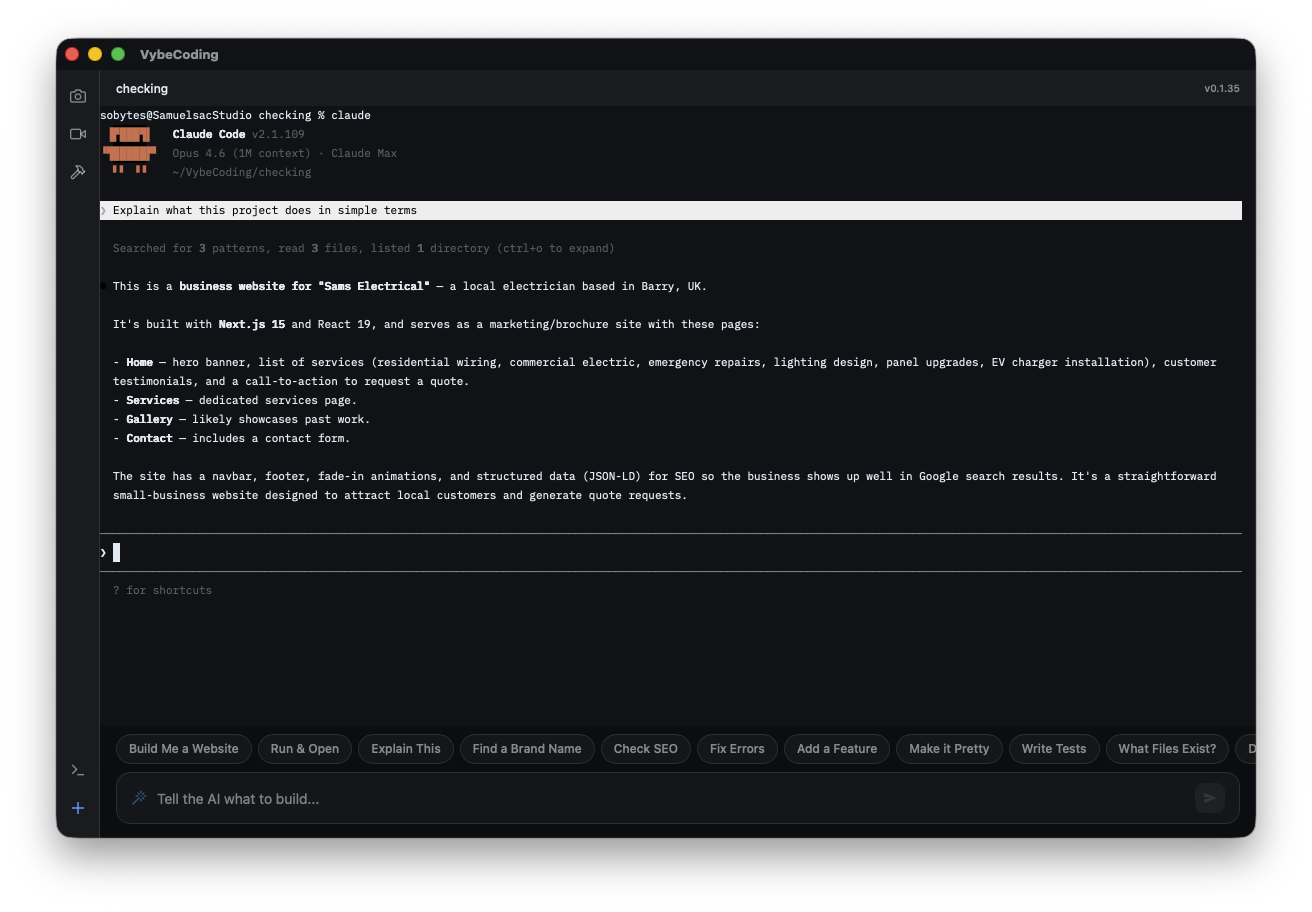
Sessions that stay put
Split view and named sessions. On a Mac they run in tmux, so work survives the app quitting or crashing.
Build iOS apps from your phone
Tap Build on your iPhone. Your Mac runs xcodebuild and streams the output back, then installs to the device. Xcode stays closed.
Finder and File Explorer
Right-click any folder and choose Open in VybeCoding. A terminal opens in that directory. No cd required.
Webcam streaming
Stream your computer's camera to any device on your network. MJPEG over HTTP with token auth. No extra software.
Phone to desktop file transfer
Send photos from your iPhone camera roll and they land on your desktop. Drop the file path straight into the terminal.
Setup
Running in about 30 seconds.
- 01
Download and open
On Mac, drag VybeCoding into Applications. On Windows, run the installer. No account, no sign-up, either way.
- 02
Launch your AI tool
Click the launch button and pick an AI tool. VybeCoding detects what's installed and walks you through the rest.
- 03
Pick it up on your phone
Connect from the VybeCoding iPhone app. Same session, same terminal, exactly where you left it.
One window instead of four.
Stop juggling Terminal.app, iTerm, Windows Terminal and three browser tabs of AI tools. VybeCoding puts them in one place.
No account required. No telemetry.